You know, when I wrote that initial post on PageMill, I wasn’t expecting to find a new rabbit hole to go down every time I explore the CD-ROM. It’s just happened that way! There’s so much included on it, so many weird, forgotten relics of the 90s, software you can’t find elsewhere, graphics from companies long gone, that I keep wanting to write about.
For today’s rabbit hole, I only ask you, my reader: are you a gambling sort? Today’s program involves just that, random chance, high stakes, and lawfare. I’m being more than slightly facetious. Sort of. Monte Carlo algorithms aren’t nearly as fun as Monte Carlo itself, but I do regularly downsample full-color PNGs to 256 colors for GIFs and things, and a program on the PageMill CD-ROM proved to be, if nothing else, an impressive and completely forgotten stab at doing just that. Let’s talk about why and look at some Somnolian art and photos along the way.
Quantization, or the issue of turning many colors into few
I went over the concept of color depth slightly in “The Clever Feat of PNG Optimization” (still a very fun read, but I’m biased), but to go more into it, images are obviously made up of color, or at least shades of grey. The more bits you use to describe each color, the more of them you can represent, but the larger the file size is, and the harder it is to compress. Back in the 90s, displays were more often than not only capable of displaying 256 colors, or what’s called 8-bit color, if that. “True-color” displays capable of millions of colors (24-bit color, as it’s known) became more common towards the end of it. In the context of images, a 256 color image doesn’t match each pixel with a color directly. It matches it with a reference to a color in a big palette, which is limited to, as said, 256 colors.
If that seems like a low number, it is. You’re always going to lose definition and end up with artifacting when you try to reduce thousands or millions of colors to less than 300 of them. GIFs, still pretty common on the Web (though often converted to video these days, fun fact), are still only capable of 256 colors, either a standard palette of 256 or an “optimized” palette of colors sampled from the original 24-bit image.
The process of reducing the number of colors in an image is called quantization. Usually, a quantized image will have areas of patchiness and banding, where it’s obvious a nice gradient has been flattened to a handful of blotches of color. A look for sure–posterization can be kickass–but not very desirable in most cases.


The fix for quantization error, as it’s known, is usually dithering. Dithering is a noise intentionally applied to a signal (audio, images, or video, which is made up of those) to spread out the blotching over a larger, broken up area, better approximating what the original image looked like. Our brains are easily tricked, and just as you can mix red and blue pixels to simulate purple, dither can use some of the other 256 colors to lighten or darken patches of the image to give the illusion of more colors than there really are. (Halftoning in comic books and other printed material work on a similar principle: while you can only print cyan, magenta, yellow, and black, you can mix these in different densities to get any color you want.)
Dithering algorithms are a fascinating rabbit hole, and they do produce a variety of different looks depending on the one you use. Seriously, here’s a page comparing them, there’s a lot. Dithering algorithms honestly could be their own blog post, so I’m not gonna go into them here, but what is relevant to today’s topic is that dithering is noise, either orderly noise or totally random noise, and we can use that to produce a closer image to the original.
Where this all started
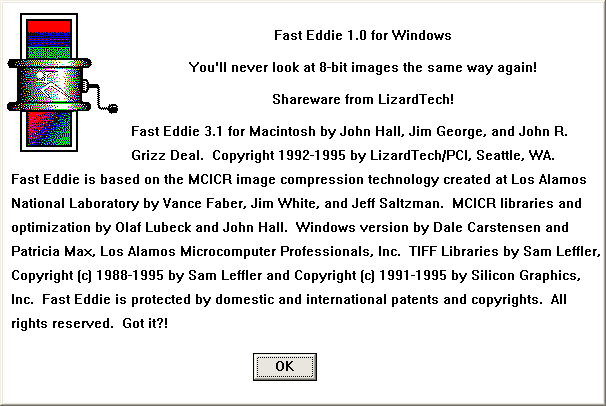
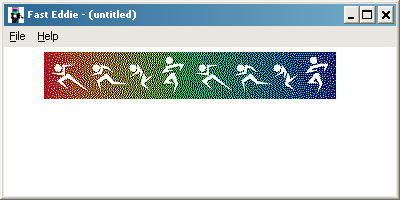
I’m not kidding when I say, every time I crack open the PageMill CD-ROM, I find a new rabbit hole. This time, I looked in the “Advanced Web Tools” folder in “Goodies”, which is where all the free value-add stuff is, samples of books on best Web practices, extra tools, snippets of code, and basically everything other than the Image Club stuff we discussed last post. Inside was a program called Fast Eddie, a shareware tool for reducing down 24-bit color images to 8-bit color. I got to clicking around it; according to its (rather long) About dialog, it referred to “MCICR image compression technology created at Los Alamos National Laboratory”. Sounds important! I mean, Los Alamos–they helped build the a-bomb. That’s no joke.
But then I wasn’t able to find much about MCICR online, least on a cursory search. Or Fast Eddie for that matter. Or the company that made it, LizardTech. I’ve been around image compression stuff, even vintage image compression stuff, for a while now–how come I’ve never heard of this technology in all my years of crunching images for use online?
What was crazier still were the images I got out of Fast Eddie. I’ll save samples for the end, but especially where normal quantization and dithering still produced bands of color, Fast Eddie’s artifacting was a lot more subtle, at least in some situations. Seriously impressive stuff, so the fact that octree and median cut are available in everything from Paint Shop Pro to Paint.NET, but this MCICR stuff got lost to time, was wild. I couldn’t pass up exploring it.
The fractured history of MCICR and LizardTech
MCICR stands for Monte Carlo Image Compression and Representation. Fast Eddie’s help document says it’s pronounced “mick-ick-er”. Monte Carlo is a whole funky class of algorithms basically designed around guessing. The idea is that, given enough guesses, you can eventually determine or at least estimate your desired answer, especially if you’re already dealing with an uncertain and wide open field of possibilities.
There’s tons of examples of Monte Carlo algorithms being used in everything from finance to geology, but one closest to us plebs is path tracing, effectively ray tracing (like on fancy new PC games?) by brute force. If you sample each pixel enough times, you’ll eventually average out, noise-free, the state it should be in, what color, how bright, and all that, but it’s obviously very time-consuming to do that. Monte Carlo algorithms tend to be like that. Not perfect, but for the ideal application, very useful.
The basis of what would become MCICR was developed at the Los Alamos National Laboratory (one of the labs owned by the US Department of Energy, if you’re curious) in the mid-late 80s. Two techniques are combined in it, one for generating a palette from an image using random and averaged sampling, and one for how to map colors to the simplified palette. This is the littlest you need to know about MCICR to understand what we’re doing here. The next section will explain it in much nerdier, exacting detail.
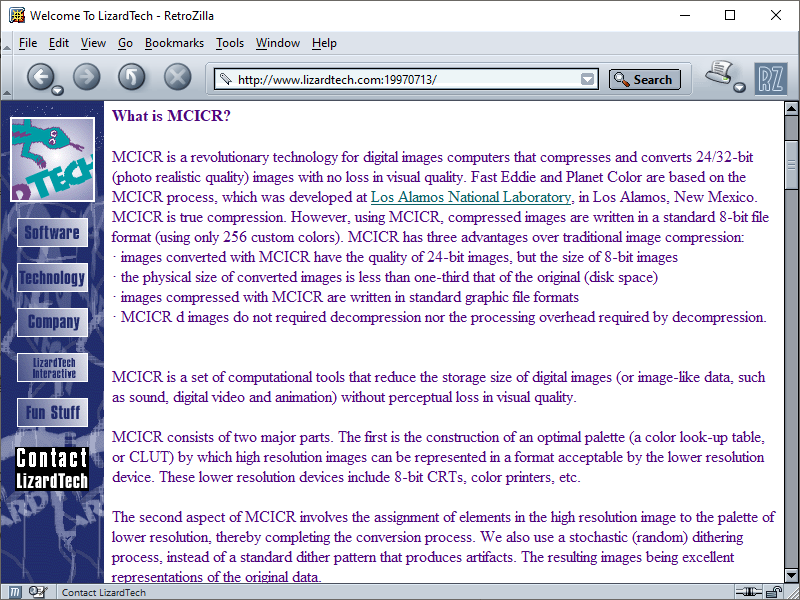
New technology often means new business opportunities, and Los Alamos has an organization inside it called the Richard P. Feynman Center for Innovation that exists to license out concepts owned by the lab (and thus the US government) to private entities. Seriously, you can imagine there are so many examples of what are called “spin-out” companies of Los Alamos based on tech developed there.
LizardTech’s story begins with John “Grizz” Deal, a geography major and in the 80s a technical writer at a firm contracted at Los Alamos. Grizz got wind of MCICR, and soon another technology coming out of the lab, MrSID, which was originally aimed at compressing scans of fingerprints in FBI databases. Seeing a business opportunity to leverage both of these, he established Paradigm Concepts, later LizardTech, to exclusively license them and turn them into software packages. Annoyingly, while LizardTech’s old site brags constantly about these technologies being protected under patent, they don’t say the specific patent numbers–good thing patents are public knowledge!
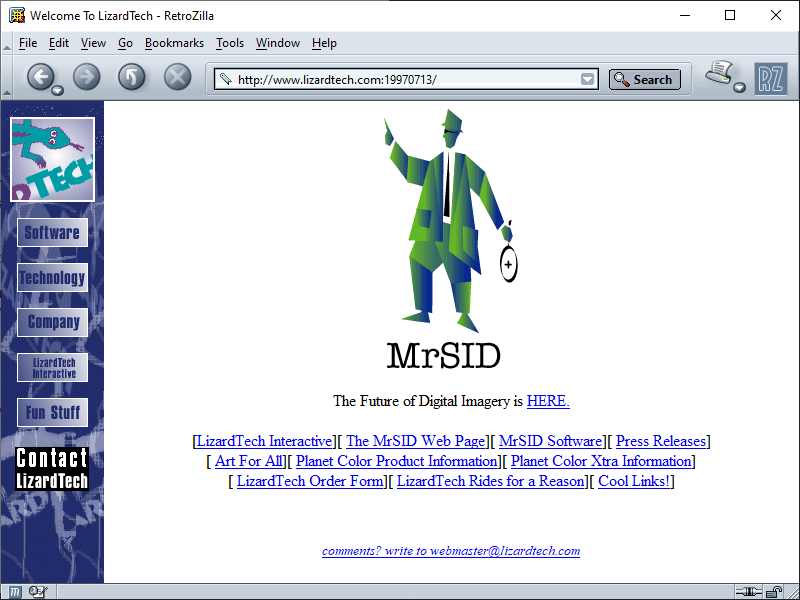
LizardTech was best known for their geographic information software–that is, maps. (Remember, Grizz is a geography major.) MrSID, paired with MCICR, was marketed as a way to store highly detailed aerial shots of places in very little space compared to an uncompressed TIFF (the professional image standard of the time). For the nerdy and nasty among you (please shower), MrSID is based on wavelet compression, same as JPEG 2000 and a bunch of other more modern lossy image compression schemes.
MrSID was well-adopted, still supported by GIS all over and even used by the Library of Congress to store maps and certain large images, but as said, the underlying wavelet technology isn’t exclusive to it. That didn’t stop LizardTech from aggressively pursuing lawfare against competitors. Earth Resource Mapping was an Australian company who had developed a similar wavelet-based method of compressing geospatial data called ECW (Enhanced Compression Wavelet), and LizardTech sued them over the implementation of their image stitching algorithm (putting compressed chunks of a map together seamlessly). So giddy were they to sue that Grizz got on the horn in an open letter to ArcNews, a periodical run by the biggest GIS company around, Esri, to brag about it:
As many of you may be aware, LizardTech recently commenced a lawsuit against one of our competitors, alleging that the competitor’s products infringe our patent. There are other issues as well, including trademark misappropriation and copyright infringement. By taking this action, we are letting others know that we won’t hesitate to act should it become necessary to protect the investment our customers, employees, and shareholders have made in MrSID products and formatted data, and continue to make every day. While some in the market have found our actions controversial, protecting intellectual property is part of the normal course of Business and one more sign that LizardTech is here to stay. Fair competition requires, among other things, that companies respect one another’s intellectual property and that accurate information be disseminated in advertising. These values should be important to all of us. A company protecting its intellectual property through a patent infringement action is unexceptional in most industries; there is no reason it should be any different with software.
How’d it go? In short, ERM’s implementation was different enough that, not only did the courts find against LizardTech on every front, but they even determined the alleged infringed patent completely invalid. Yowch. LizardTech’s bully tactics are also part of the reason JPEG 2000 never took off as a format, at least in the consumer space. Amusingly, Manifold, another GIS company, well-buried in their docs, not only has a pretty scathing writeup on LizardTech’s follies, but goes on to complain that LizardTech’s MrSID decoder sucks prolapsed asshole:
Because the read/write technology inside the decoder is also closed, users are kept hostage by whatever inclination LizardTech may or may not have to improve the functioning of the decoder. Some critics have expressed the opinion that LizardTech has provided a deliberately slowed-down conversion utility to make it difficult to convert images from MrSID format to modern, open formats like ECW or JPEG2000.
Violent!
In later writeups, Grizz claims that the dot-com bubble undercut the company, but more likely, the legal costs sunk LizardTech. They sold out to a Japanese firm named Celartem in 2004, who rebranded as another of their acquisitions Extensis, and have since been acquired by Monotype (hey! There’s that Image Club connection again). While Wikipedia claims Extensis is still developing and distributing MrSID, Extensis’ current site has no mention whatsoever of MrSID outside of a few EULAs I only found searching. Grizz himself continues to spin-off companies from Los Alamos, currently heading a wastewater treatment company in Golden, Colorado called IX Water.
My attempt at explaining how MCICR works
In the end, I was able to find the two patents that LizardTech constantly alluded to: patent #5,130,701, for Digital Color Representation, and #5,467,110, for Population Attribute Compression, both granted to James White, Vance Faber, and Jeff Saltzman of Los Alamos in New Mexico in July 1992 and November 1995, respectively. LizardTech said their patents would expire in 2008; this is roughly accurate with the 15 year life of most patents here in the US.
I have local copies attached at the named links above (Google Patent mirrors at the numbers), but be warned that it is some dry and technical reading. In fact, this entire section is. You really don’t need to know how it works to get the gist of this post, but I’m of course going to write about it anyway because it interests me and it might interest you as well. I’m simply saying, don’t worry if it goes over your head. I only sorta get it myself. (If you do get this stuff and I’ve gotten any of it wrong, feel free to correct anything in the comments and I’ll update the post.)
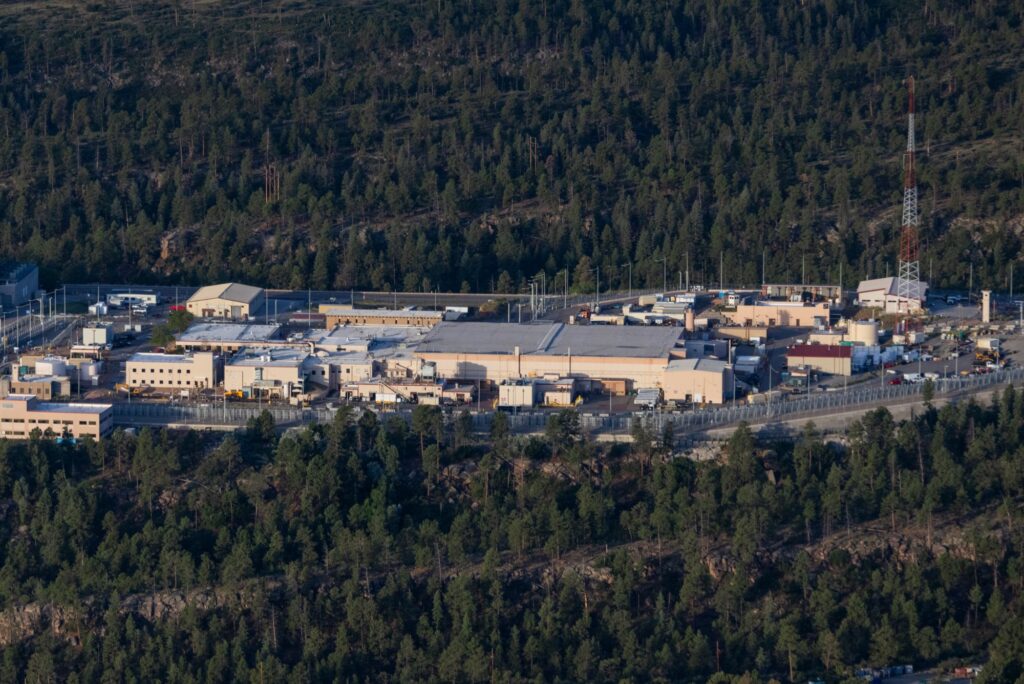
Also, most of this is focused on #5,130,701, not #5,467,110. One comes before the other, and in my layman’s understanding of these things, I think the former is probably more important.
Patent setup
The patent describes some earlier attempts at quantizing an image either being bad for some images (picking the colors that appear the most in the image and deriving the palette from that) or computationally expensive (defining Voronoi regions, or a way to partition regions of space out of a plane). Thus, the patent establishes a method for coming up with a high quality downsample of an image without any slow, expensive math involved.
Part one: color selection
The algorithm starts by picking colors at random out of the image. These colors are said to be “with equal probability”–that just means any random color out of the image is just as likely to be picked. This fills up an initial palette that’ll get replaced later. The algorithm picks another set of colors out, averaging each value with the closest analogue value in that first palette, and this replaces the first palette. This repeats as many times as necessary, but generally, that’s when the differences between the newly picked colors and the existing palette are within an acceptably small range (so they’re fairly similar to each other). The algorithm can then try to map colors in the image to the palette in whichever way is deemed appropriate.
If that’s all sounding like gibberish, I can try to simplify it down like this for our purposes with MCICR. Imagine a palette of eight colors. Pick eight, and then pick another eight, and then mix the corresponding two going down the row, and then pick another eight, and mix those into the mixed palette. You do this until the eight you pick are similar enough to the eight you’ve been mixing into. Why would you do this? The idea is that, by picking random colors and averaging them out, you settle on a good representation of the general color palette of the image without either giving undue weight to the most common colors or having to analyze the image in a slow and number-crunchy process.
Part two: Palette mapping
The second patent describes a way to more quickly and intelligently map a 24-bit image to an 8-bit palette by way of navigating tree views, the idea being that a tree view is a much faster way to find the ideal color from the palette to map to the pixel in question. I don’t know if this patent is relevant in MCICR, but given the time, topic, shared authors, references to Monte Carlo sampling to generate the palette within it, and LizardTech referring to patents plural, I’d assume so.
The missing link: random dithering
One thing that does seem to be in Fast Eddie that isn’t described in the patent is the dithering involved. LizardTech’s explanation of MCICR refers to it being a two step process, with the second being:
We also use a stochastic (random) dithering process, instead of a standard dither pattern that produces artifacts. The resulting images being excellent representations of the original data.
But this is nowhere to be seen in the patent as far as I can tell. Most dithering algorithms try to do what’s called error diffusion, where the incorrectness of colors in a limited palette are spread throughout the image in some ordered way to reduce the splotchy banding quantization causes, but random dithering really does just noise up the image slightly indiscriminately. Not often implemented, but MCICR uses it, and it seems to be part of the key to it working the way it does.
Comparing MCICR, octree, and median cut
The two most common ways to quantize an image are the octree and median cut algorithms. Octree color quantization splits the image’s color data into an octree–which is a tree view where each branch has eight children–of red, green, and blue (of course, three colors times eight equals 24, like 24-bit color, and you see how this nicely fits into an octree). By averaging out less significant child branches further down the tree (aka, the colors that aren’t as common in the image), you reduce the total number of colors in the image to which are most important.
For median cut, the of the images pixels are sorted into “buckets”, and whichever of the three colors has the greatest range of values in that bucket, the color values are sorted from darkest to lightest and then at the median, the bucket is split in two, and the sort and split is repeated until you get the amount of buckets to match your desired palette size. All the pixels in each bucket are averaged, giving you your new palette.
So to compare these three, our MCICR method randomly picks and averages together colors from the whole image until it gets an ideal palette. Octree stores the image’s colors in a tree structure where the least significant colors are averaged out, giving you its ideal palette. Median cut picks the widest range of values out of the red, green and blue in an image, sorts those values into a bucket, cuts it at the median, and repeats the process until eventually averaging all the generated buckets, giving you its ideal palette.

The important thing here is generally how all three look. MCICR samples the image indiscriminately, thus not being weighted towards any particular color in it, octree weighs for the most important colors in an image and averages the less important ones into a stew of other colors, and median cut truncates less important color values altogether. This creates the artifacts of the three you’ll see in the next section. MCICR has a noticeable “noise” throughout flat, solid areas of the image, octree creates pronounced gradients of color, while median cut has larger areas of discoloration, but can keep grain in some areas of color better than octree. Paired with dithering, the differences between all three become less noticeable, but are still present.
The patent goes on to describe a way to quickly map pixels from the original image onto your new palette using an adaptive set of lists of similar colors from the palette, but I’m not sure that’s implemented as written in Fast Eddie, nor does it matter much for the actual end look of the image, it’s simply a speed thing.
Boring! Snoresville! Show us some fucking images
Sure. I was falling asleep there myself.
We’ll use an image each from Caby, Savannah, me, and dcb. The former two will be drawings, one a standard digital piece and the other a painting. (Noisy digital or scanned traditional drawings have their own form of dithering built in, effectively, that masks the effects of any particular quantization algorithm.) The latter two will be photos. All have been resized to 800px across.
One last technical detail: because dithering is built into Fast Eddie, to keep things fair, I have dithered the test images using the Floyd-Steinberg dither in Paint.NET, set by the “dithering level” slider on 8-bit PNG export at level 4. Otherwise, it would be completely unfair as the octree and median cut examples and the MCICR ones would look better every time.
Images! These are cropped demonstrations of areas of interest. Click to view them larger in your browser. The full-sized downsamples, I couldn’t make into a particularly functional gallery. Click the names of each image to see the 24-bit originals, and the full-sized downsamples are linked in the text.
Caby: Stella
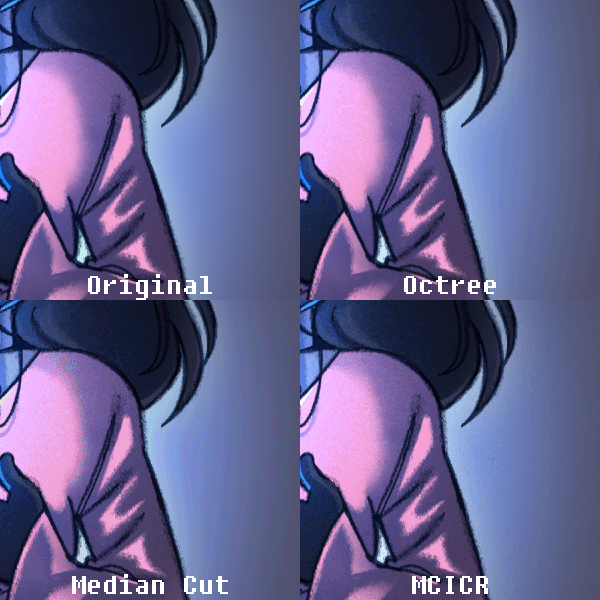
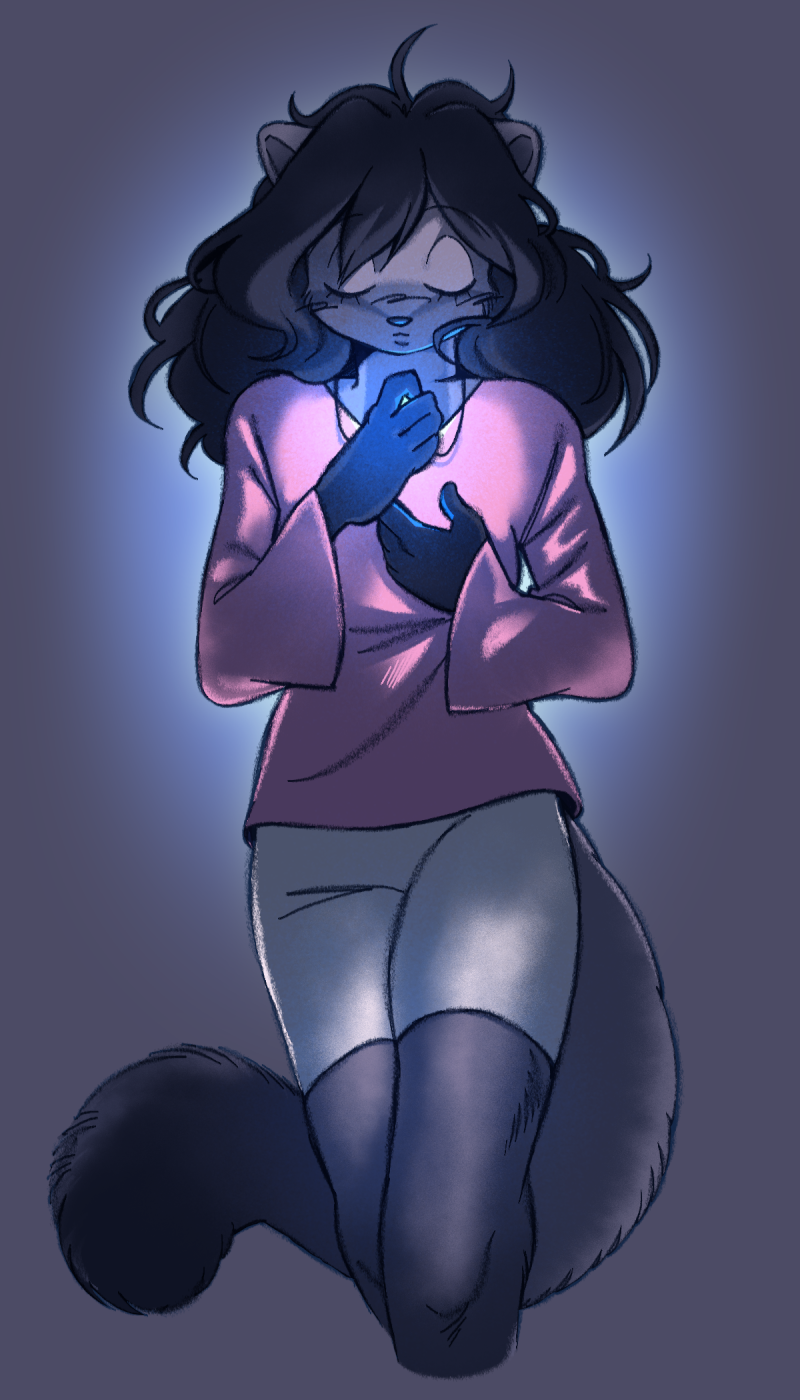
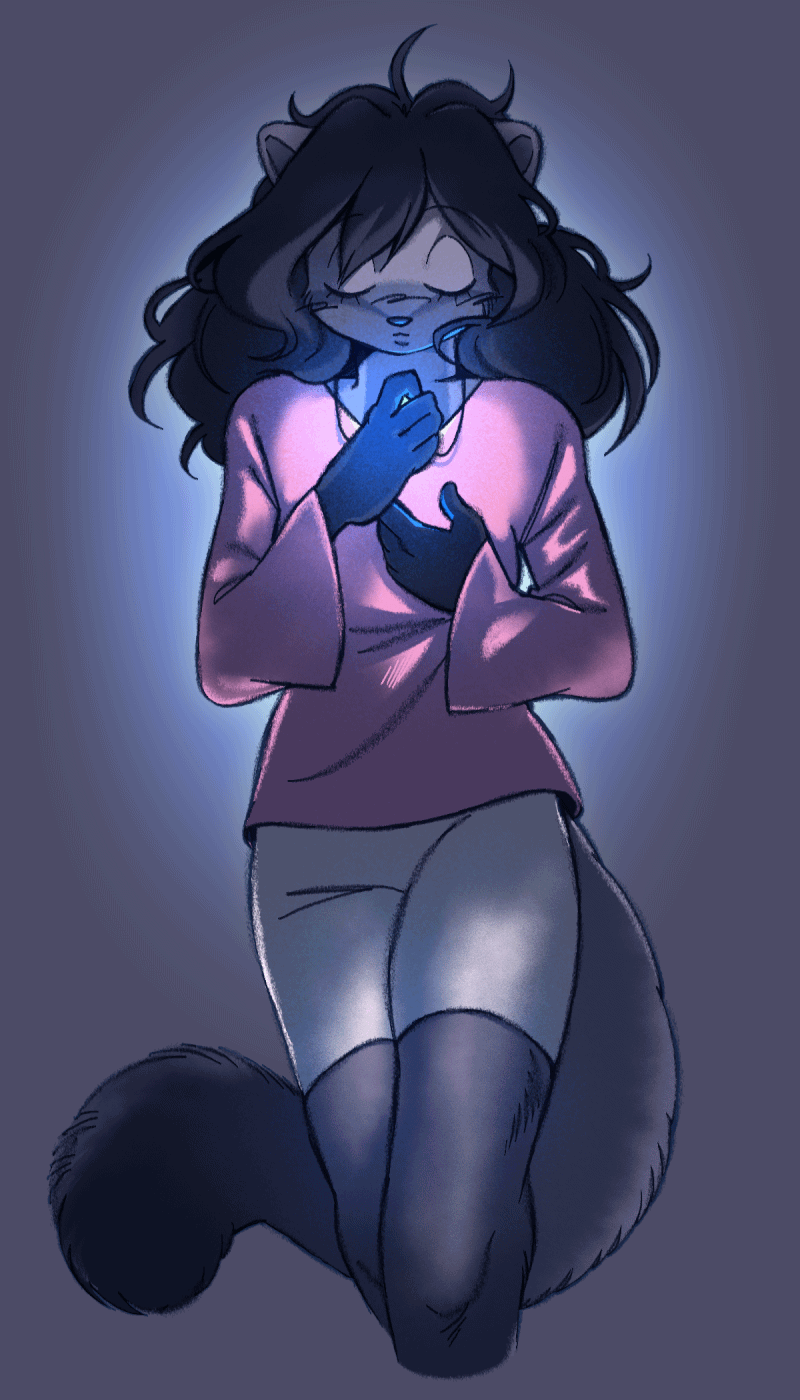
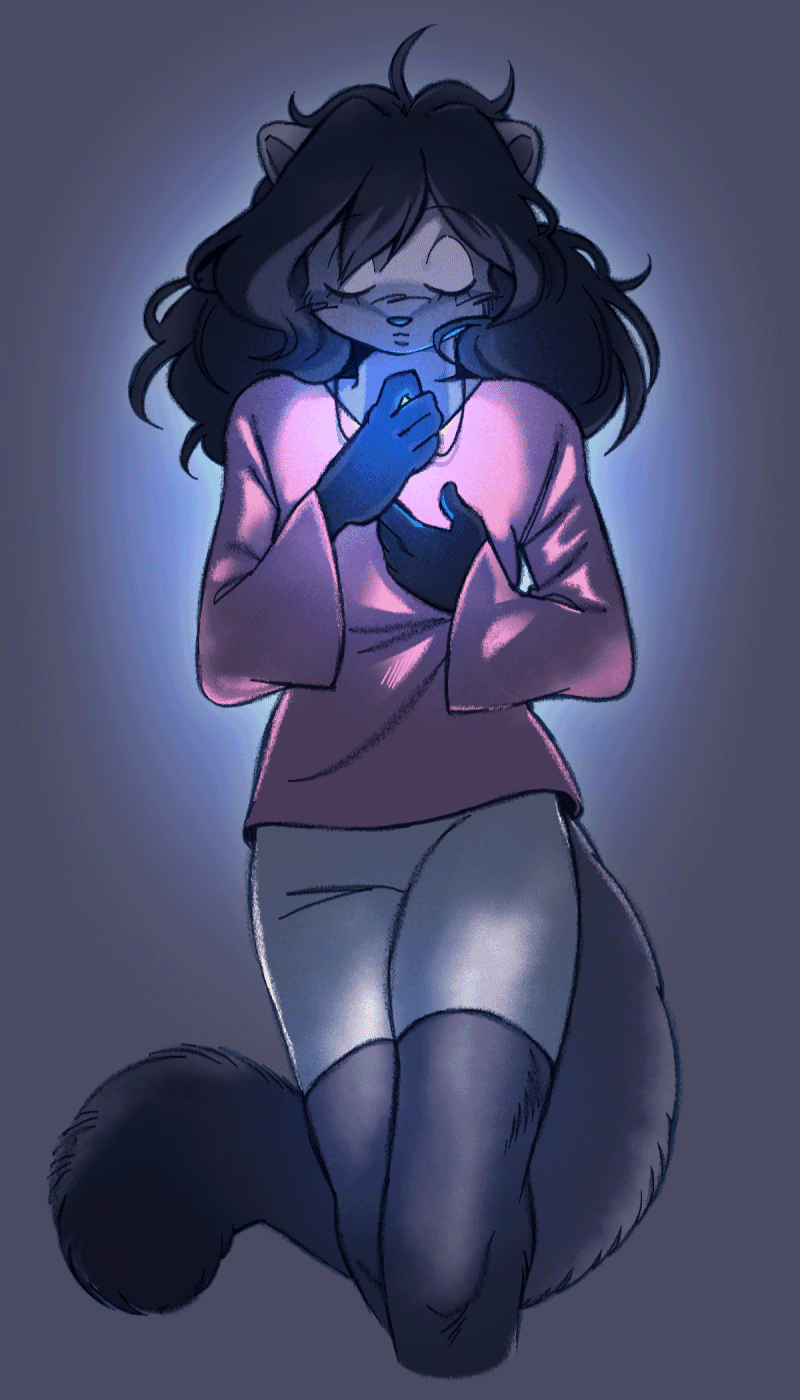
Ooh, currently unposted Caby art! This was the test image that got me most interested in digging into Fast Eddie and MCICR further. Stella has this halo around her that octree and median cut both turn into patterned bands, even with dithering. It’s slightly visible with MCICR, but much less pronounced. The dithering also has a more natural, almost analog quality to it, looking more like something scanned in than a digital drawing quantized.
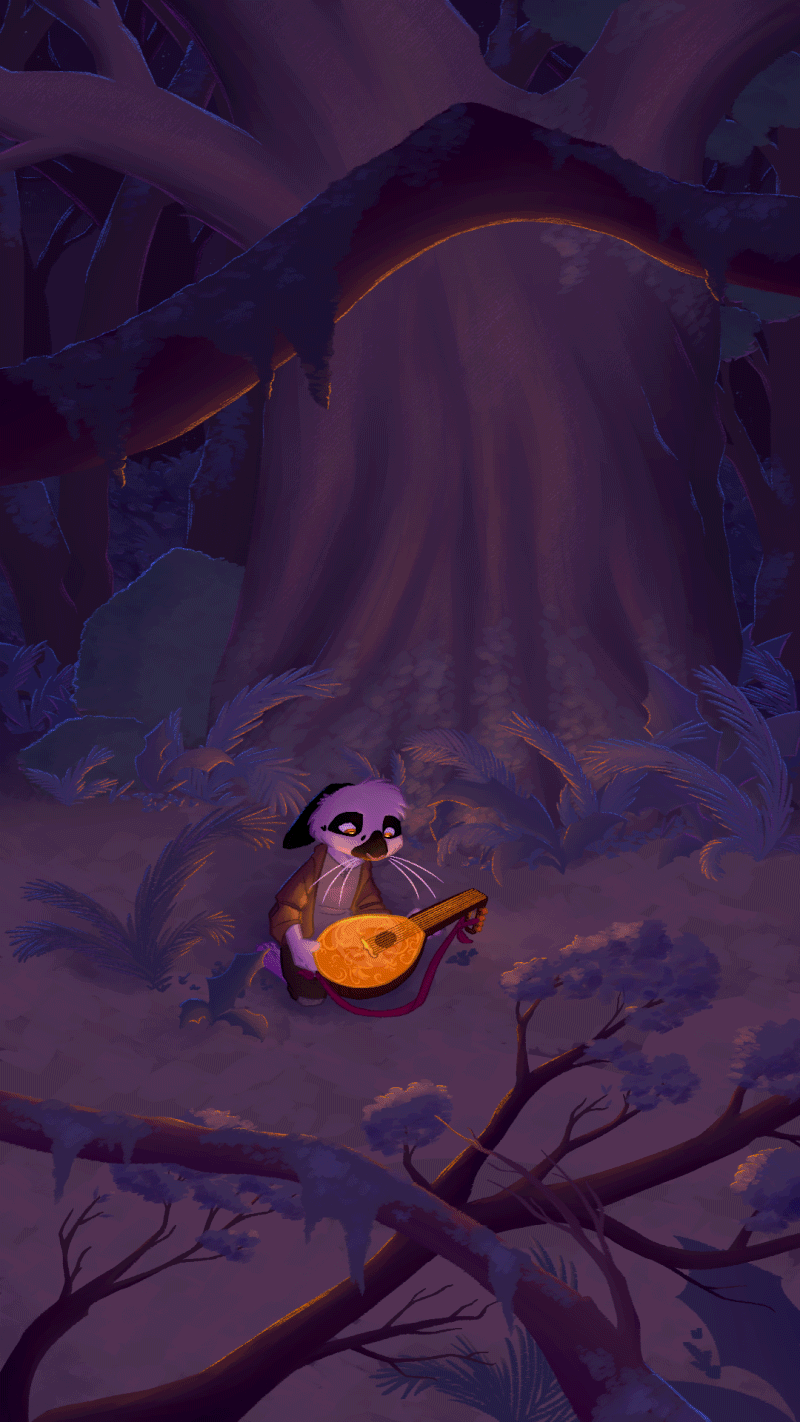
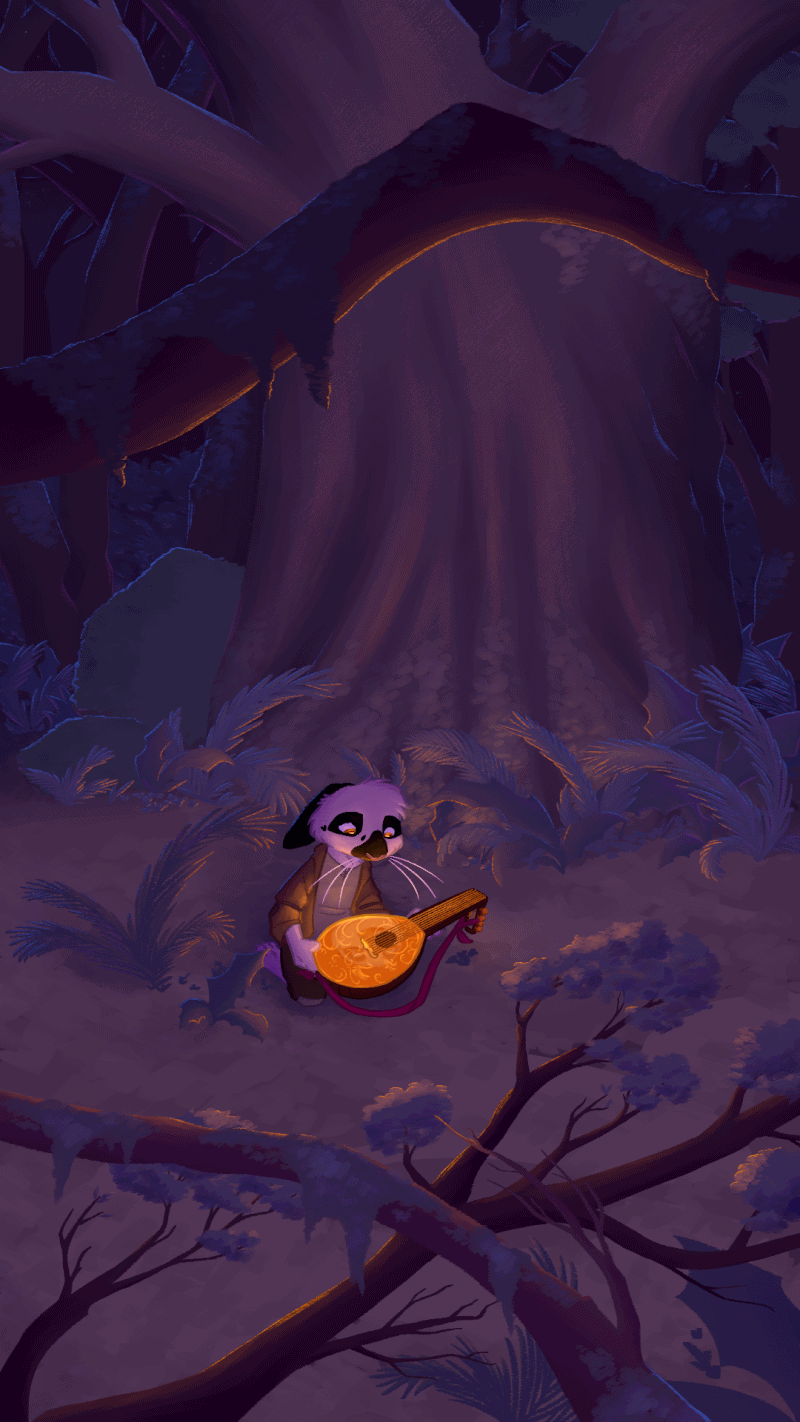
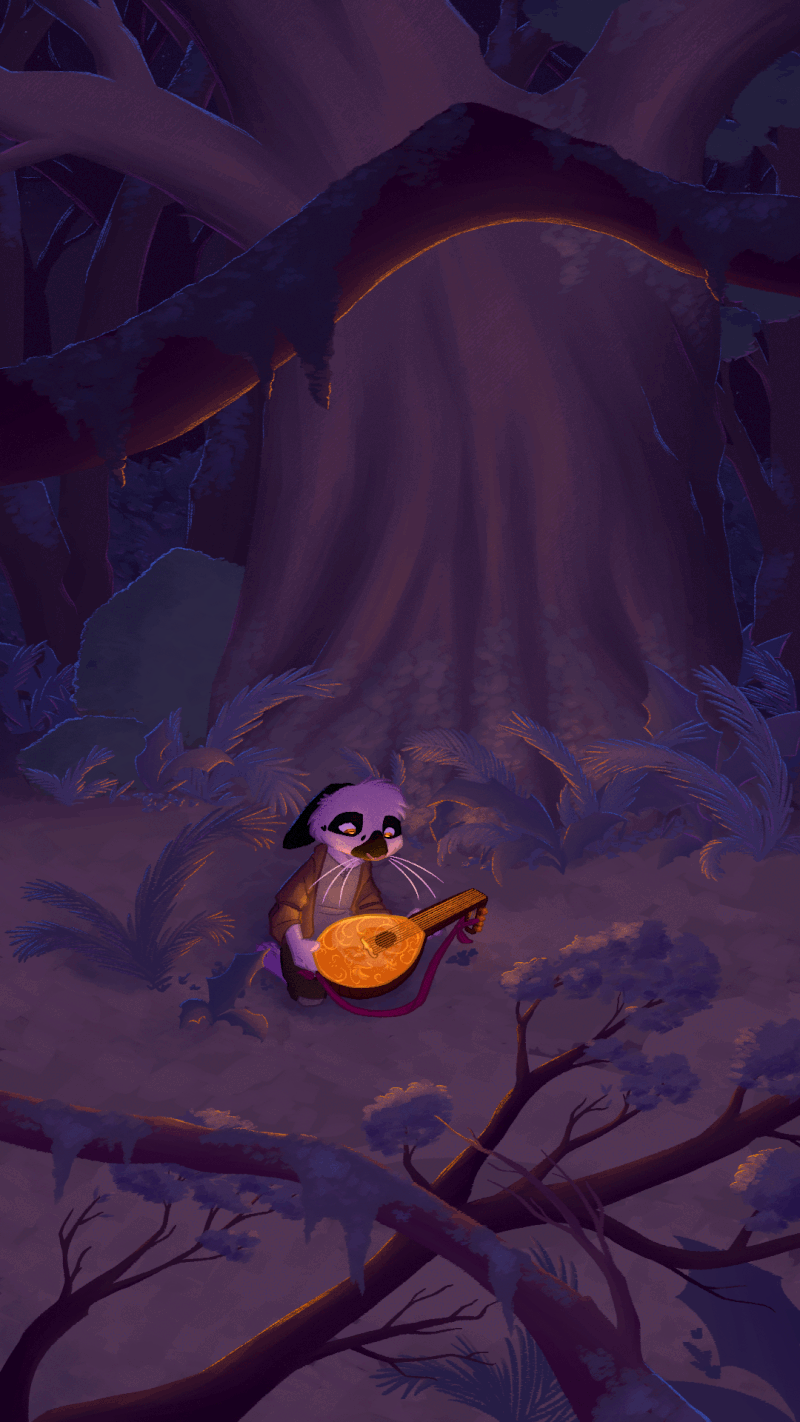
Savannah: Starlit lute
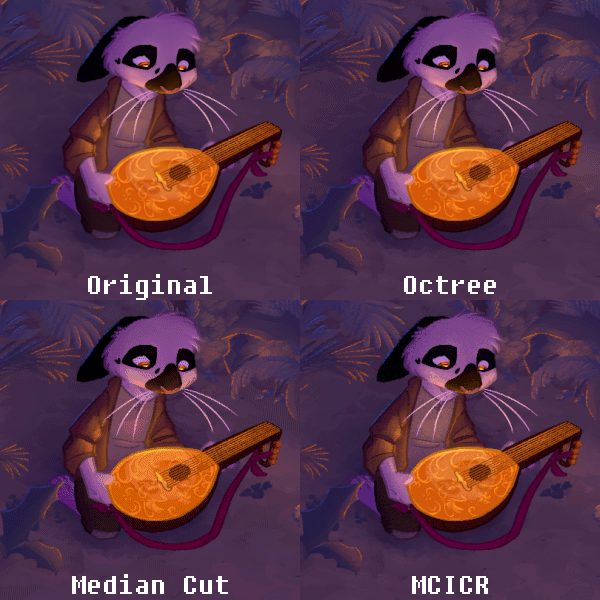
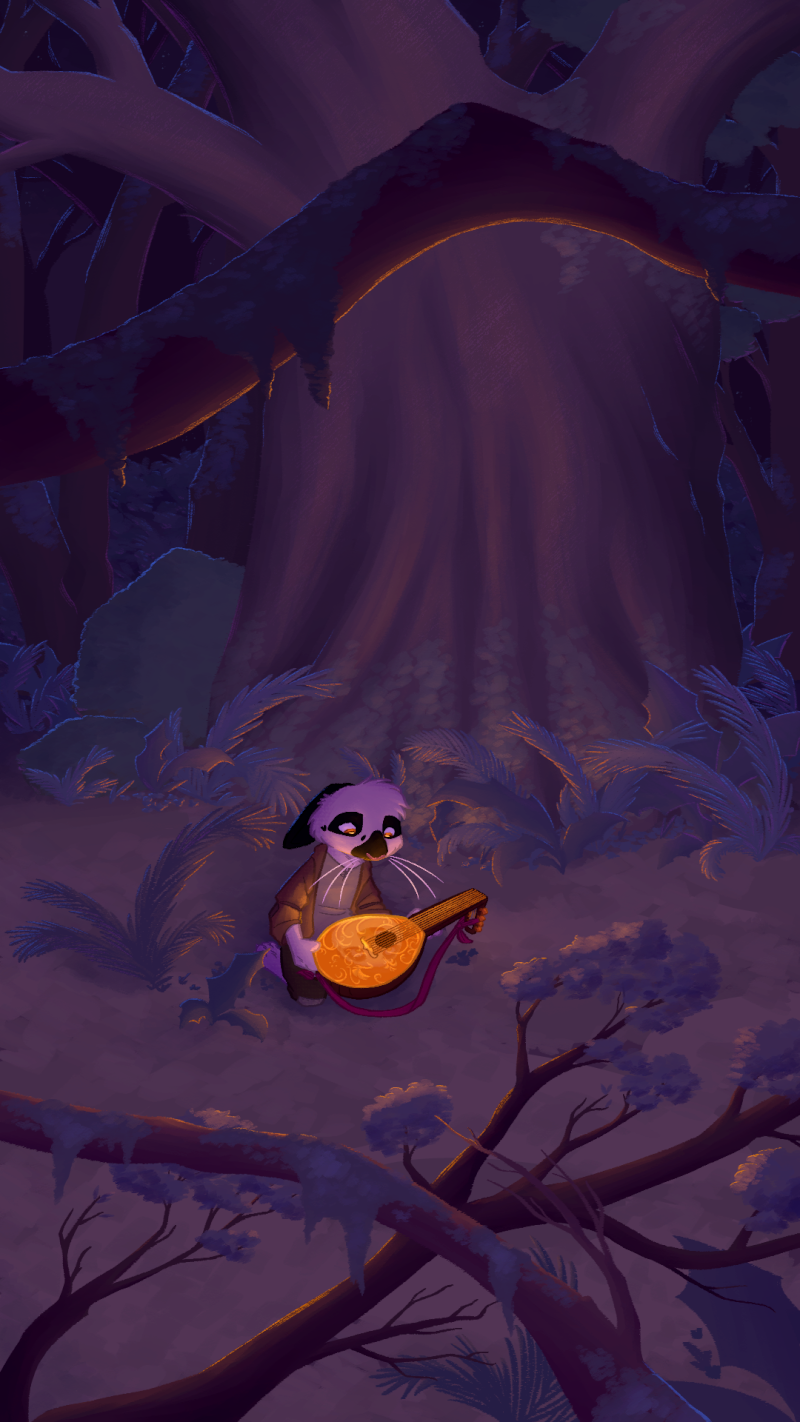
Listen, I gotta be part of the Desertbound marketing. Kidding. Sort of. You can see how the details on the lute face get lost in fuzz in median cut, while octree and MCICR keep it–but what’s more impressive about MCICR is that it manages to also avoid the rigid checkerboard dithering of octree. Again, is that due to the quantization or specifically implementing random dithering? I’m not technical enough to say. I just know it definitely looks more natural while also having better contrast in the foliage than octree.
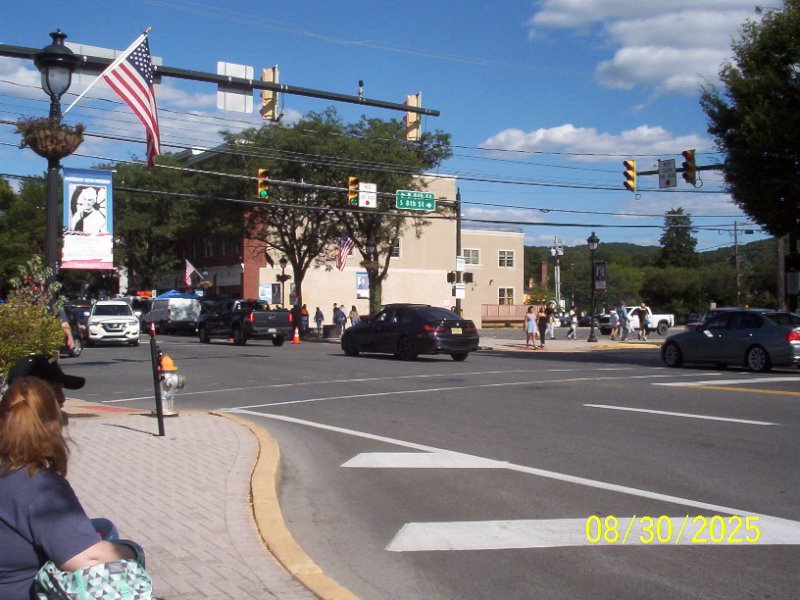
Cammy: Stroudfest 2025
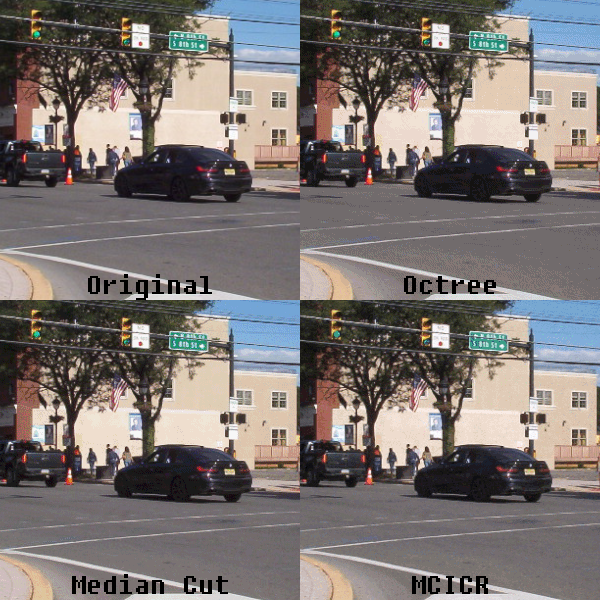
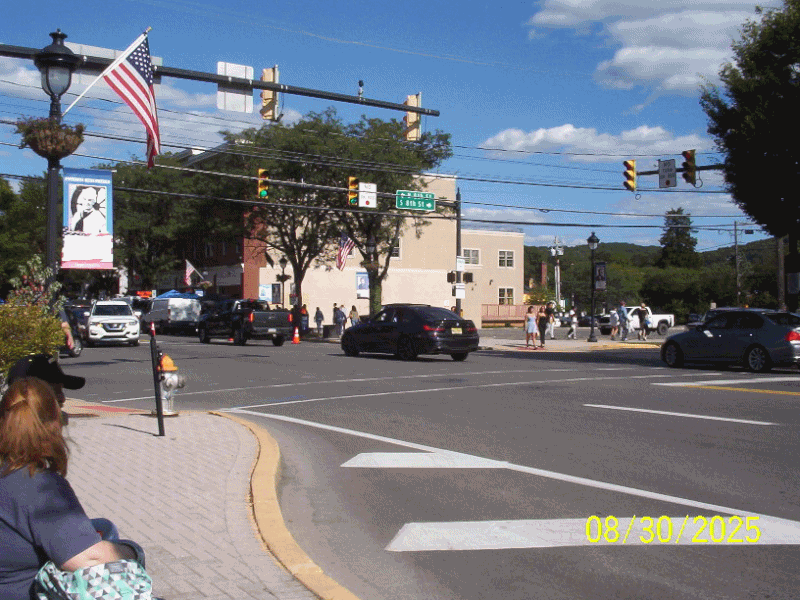
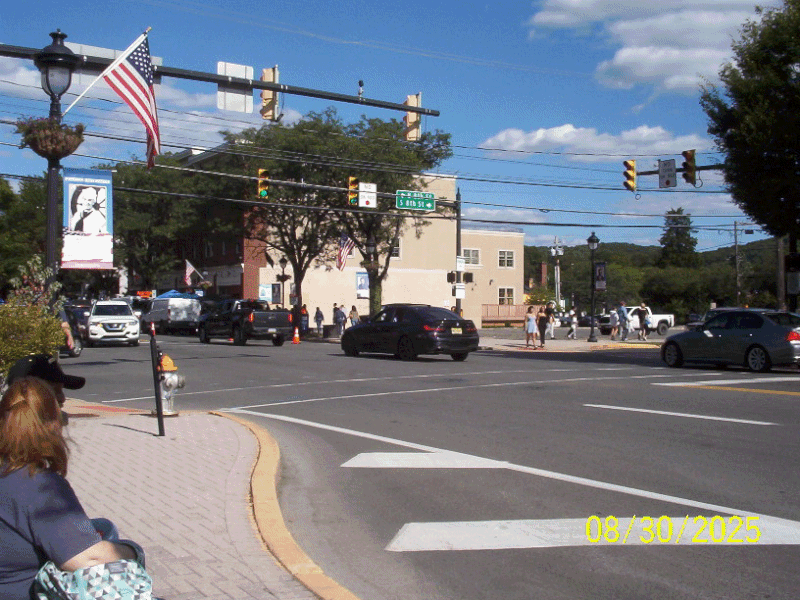
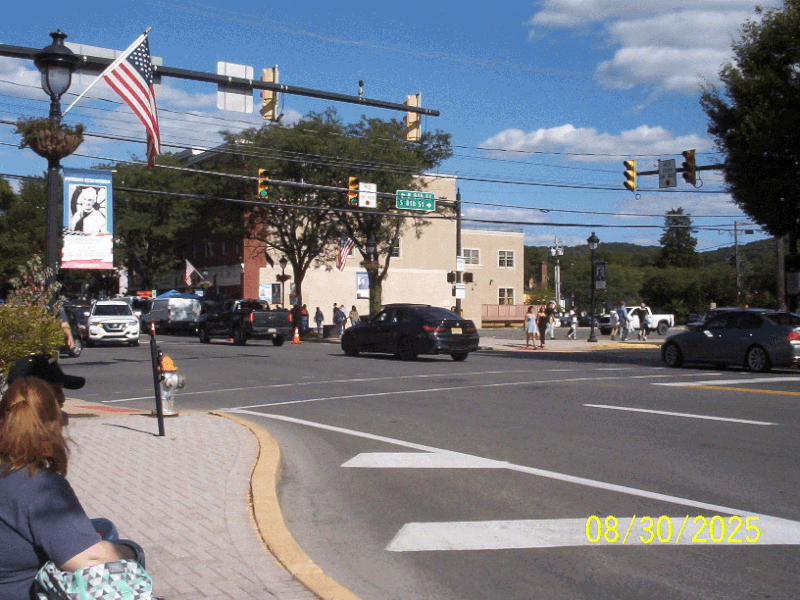
This is where I actually think octree does the worst. The road is flattened into a few puddles of grey with a lot of checkerboard fuzz over top, while median cut keeps the texture of the road and foliage a bit better. MCICR seems to have more median cut-like results here while also having less aggressive dithering across flat surfaces, at the cost of obvious color defects around sharp areas of detail like the road sign.
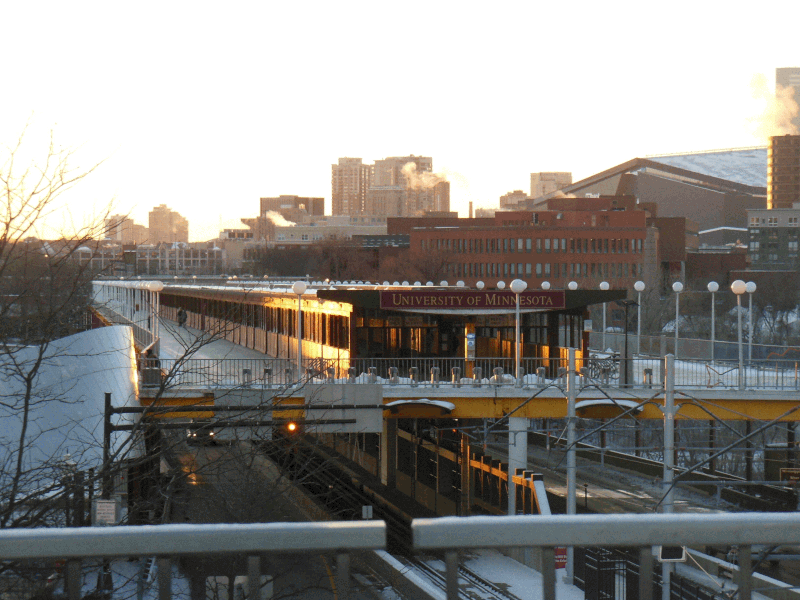
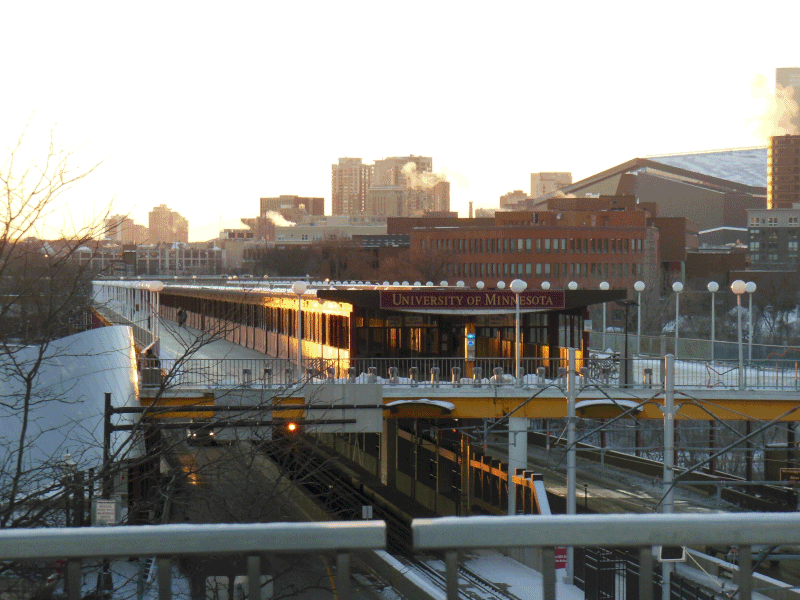
dcb: Campus in the winter
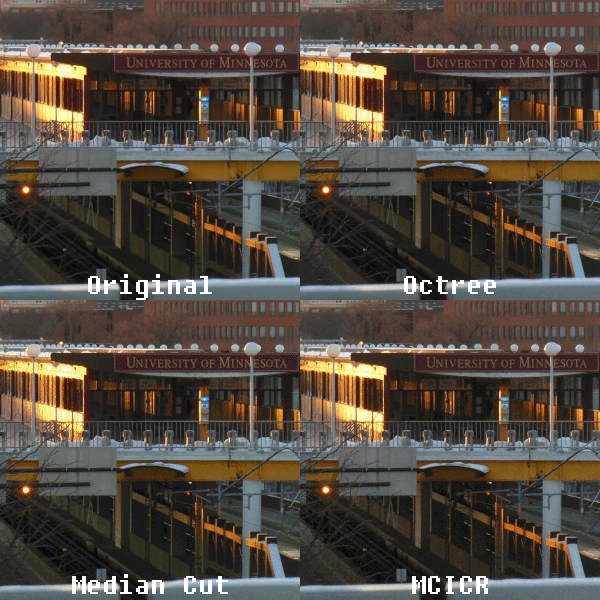
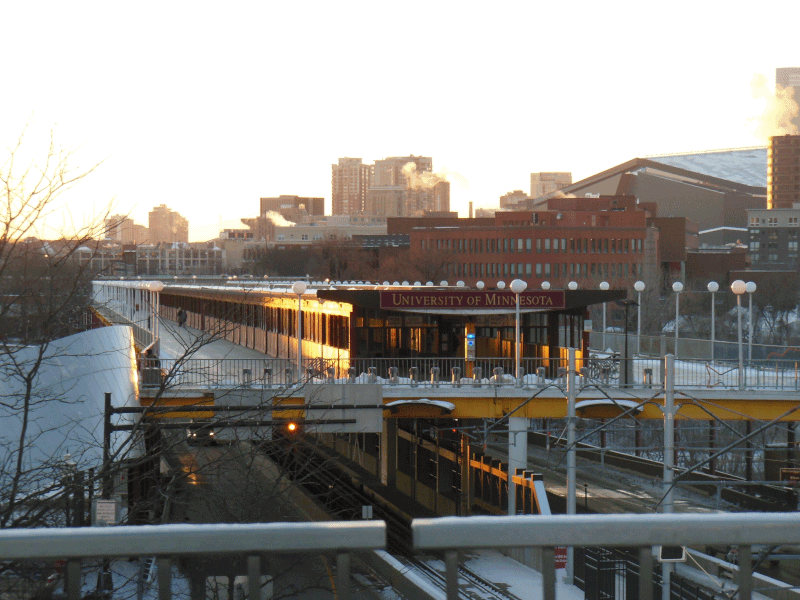
A rather nice wintry sunset photo to close us out. I’ll be honest, octree is neck and neck with MCICR here. Octree is a touch less noisy, I’d say, but one would easily be confused for the other. Median cut, predictably, is much noisier, but also subtly changes the color temperature of the darker shades in the photo (see the shaded tracks and platform area).
Wrapping things up
This has already gone on way too long, but lemme give some thoughts as to the results and why MCICR as a technology got forgotten.
So, on the positives, it has the overall softness of octree while not mushing details in the darkest parts of images like it, and it keeps sharpness like median cut without discoloring and noising up the image to a great degree. In some cases, like the Stella drawing, it’s a great improvement on both. Dithering noise is inescapable, but MCICR’s dither tends to look more organic, almost kinda filmic, compared to an ordered dither like Floyd-Steinberg. The downside is that it tends to noise up very fine (a few highly contrasted pixels) details, kinda reminding me of the speckling you get with raytracing, but especially with larger image sizes, it’s hardly an issue.
Does any of this really matter as much with thirty years of improvements in storage capacities and screen sizes? Is it worth seeking out Fast Eddie? Absolutely not, and the number of applications where you’d need to suffer the reduced color depth are much fewer than they were back in the 90s when Fast Eddie and sister program Planet Color were being marketed. Still, it does tend to perform better than similar quantization + dithering schemes, and for some forgotten piece of software I found on a CD-ROM I downloaded, that’s pretty fun.
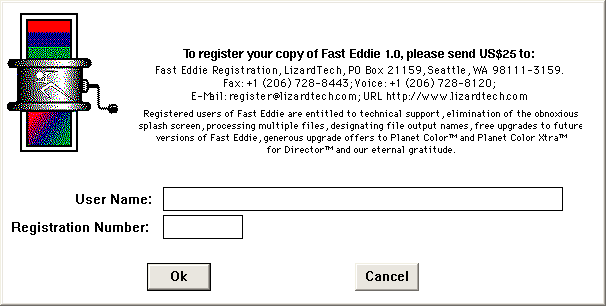
As for how Fast Eddie is to use, the shareware version on the PageMill CD-ROM is simple enough and fairly unlimited. The only limit without registering is that you can only downsample a single image per program load, but closing it and reopening it is not a huge deal for some light conversion work. Probably the most annoying thing about it is that it only takes images in TIFF format. TIFF is still widely supported (I’ve used Paint.NET for all the images in this post, and across the last fifteen years for that matter, and it can open and save TIFFs), but it’s a conversion step in the present day that makes Fast Eddie all the more inconvenient.
As for why it failed to launch, let LizardTech themselves explain it:
Why not make MCICR public domain?
Two reasons. MCICR was developed using tax-payer dollars. MCICR royalties “pay back” the federal government and allow Los Alamos to continue the Technology Transfer Initiative (under which MCICR was licensed). The second reason is the profit motive. The MCICR technology will only expand and become refined if LizardTech and its industrial partners can expect to collect a reasonable profit from its work for their shareholders.
Compare this to the way that other encoding standards were developed. JPEG, and PNG for that matter, are all open standards developed by consortiums of standards bodies and major tech players codified at a time when compression in mainstream use was still highly uncommon. The humble MP3 had patents and a company willing to go to bat for them to collect licensing fees (not that that always worked), but the focus went largely on mass volume licensing encoders out to major players like Apple and Adobe. Smaller efforts like Lame, assuming they weren’t using any of Fraunhofer’s code, were never targeted.
LizardTech, on the other hand, took a well-defined, already existing way of encoding images, made up some shit about needing to expand and refine the technology, rolled it into something they were interested in expanding and refining (another already existing technology they merely licensed), and tried to sue competitors using similar designs for their codecs into the ground. They weren’t a big company able to force standards through ubiquity, the technology is hugely niche, and sure, while its images do look nicer, as far as I can tell, despite promises from LizardTech to license out the technology to other developers for inclusion in other software, I can’t find much mention online of Fast Eddie and Planet Color themselves, let alone other software borrowing code from them.
This would all become irrelevant by the end of the decade anyway, and certainly by the mid-2000s. Right around the time 1024×768 started to become the most common display resolution, computers were more than capable of displaying 16-bit and 24-bit color, leaving behind hundreds of colors and launching into the tens of thousands or more. Websites followed suit: the adoption of PNG meant less and less need to care about the palette of your image, since a 24-bit PNG can display any color anyway (and with 256 shades of alpha on top of that!). The juice was no longer worth the squeeze at $150 a pop (or $350, if you wanted it as a Unix pipe!). If you did need to quantize an image, the two simpler, license-free, commonly-adopted quantization methods were more than good enough.
MCICR is the epitome of “that’s neat”. I don’t mean that solely as in “that’s neat”, though it is. I mean that in the way that you describe something as neat and then forget all about it, because it’s trivia of the highest order. A lot of very smart people built something that would grow rapidly obsolete in the next ten years, marketed by a company whose legacy involves an interesting patent troll lawsuit and a headache for geography nerds and companies who still occasionally have to decode their file formats, and then chronicled over 5,000 words by insane people like me on the Internet.
I can’t think of a more interesting way to have spent the past 18 hours.